
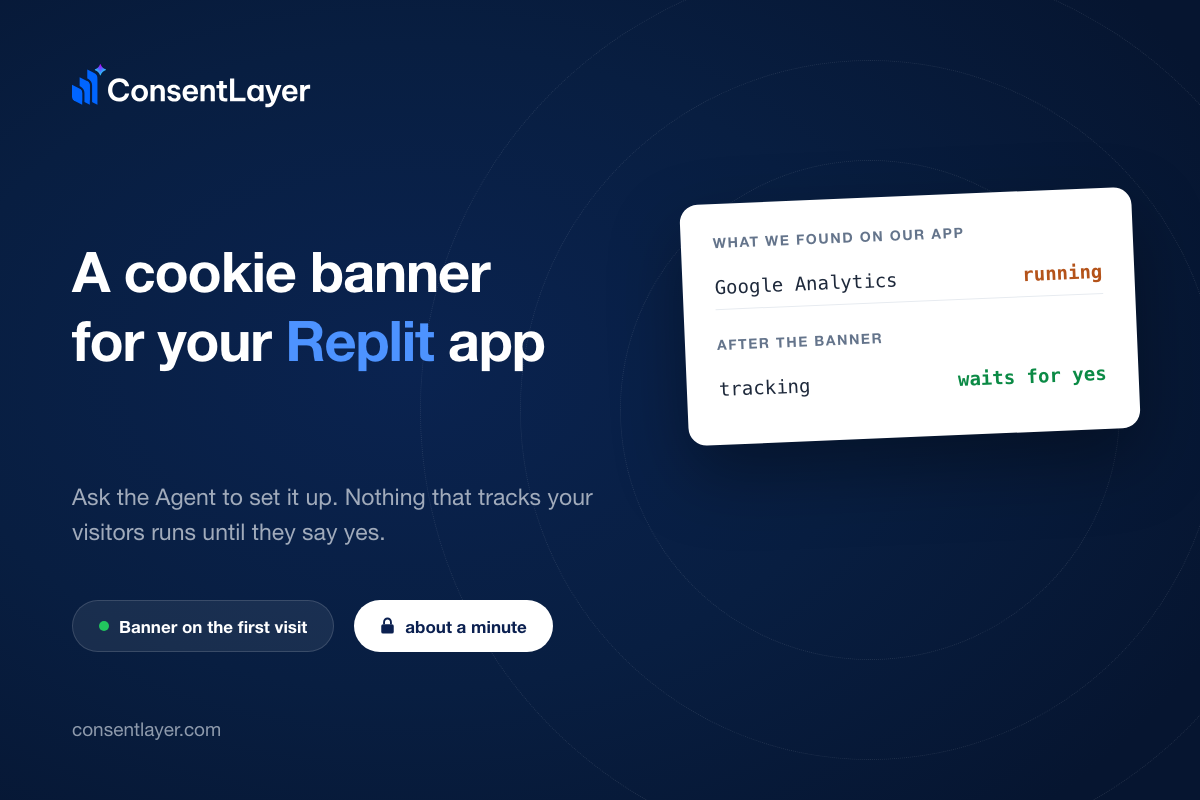
We built an app with Replit Agent, and then we pointed our own scanner at it. The scanner found Google Analytics, with thirteen cookies declared for that one service, and no banner in front of it. That is the normal state of a new Replit app, and it is the reason we shipped the connector.
site:       built with Replit Agent, scanned 2026-08-04
scan:       completed
detected:   Google Analytics (statistics)
cookies:    13 declared for that one service
unknowns:   0
ConsentLayer now installs from inside the Replit Agent chat, through a connector you add to your account on replit.com once. After that the Agent does the work: it creates the site, scans it, writes the snippet into your code, and redeploys it. We wrote the steps up in our Replit guide, so this post is about why it works that way and what to watch for.
Display name    ConsentLayer
Server URL      https://api.consentlayer.com/mcp
When you add the connector in Replit, you sign in through a browser window, so there’s no API key to copy from anywhere. It stays on the account and it doesn’t go into the project, so it’s already there for the next app you build. Replit also tells you to only connect to servers you trust, and that’s right, because the Agent gets whatever tools the server hands it.
Why the Agent does the placing
You did not type the HTML of your app, the Agent did, and it is the one with the files open. The tag has to sit in the head of every page, with no defer and no async, and on a generated app that is not always an obvious place to find. So we gave the Agent some tools to use, and it puts the tag in the right place and deploys.
Three of our tools carry the whole installation: setup_site creates and scans the site and returns the installation snippet, then the Agent places it and redeploys, and then check_installation looks at the live page. The part after that is also a prompt, so you can restyle the banner, rescan for new trackers, and read the consent numbers. The exact wording to paste is in the guide, and there’s nothing else to configure.
Set up ConsentLayer cookie consent on this app using the ConsentLayer connector.
Call setup_site with my deployed domain, add the returned <script> snippet to the
<head> of every page without defer or async, then redeploy. After the deploy, call
check_installation and report the compliance score and remaining action items.
The two things to watch for
The one thing we get wrong most often in testing is the domain, because both setup_site and check_installation read your app’s public URL. So point them at the deployed domain, your-app.replit.app or your own, and not at the temporary dev URL, which stops answering for you when the app stops running. And our own test app proves the point: its dev URL is dead now, and the install check says it cannot load the page at all.
installed:  true
checkedUrl: https://c4930a37-...-00-1hihj9b9l5i3h.picard.replit.dev
issues:
  - We couldn't load [the URL] to verify the install.
  - The tag is not visible in the server-rendered HTML, but the banner has loaded
    in real browsers. If your app injects the tag client-side, consider rendering
    it server-side so it blocks trackers reliably.
The snippet goes in the head, with no defer and no async, because it has to run before the trackers it holds. We ship twenty blocking rules, and one of them is Google Analytics, so on that test app the analytics tag stays parked until a choice is made. And the visitor sees the other half of it, the banner on the first page view, and analytics starting only after they accept.
What the score means
When the Agent reports the setup score, read the missing items in the list instead of the number. Our test app sits at 75 out of 100, and the two items it is short are the first consent record, which only arrives when a real visitor makes a decision, and the cookie policy page. So a fresh install always looks incomplete for a while, and that is the score doing its job.
total: 75 / 100  (healthy)

missing   Banner installed (first consent received)   15
missing   Cookie policy page published                10
The GDPR question underneath this
There’s a thread on Replit’s own forum where the GDPR question runs to sixteen replies about hosting regions and data processing agreements. That thread is about Replit handling your data, which their DPA covers, and only one reply mentions consent at all. The trackers your app loads in front of its own visitors are a separate question, and that’s the one we handle.
What it costs
The free plan covers one site, ten thousand pageviews a month, manual scans and thirty days of consent history, with no card. The paid tier above it is twelve dollars a month. The API, the SDK and the MCP server are on every plan including the free one, so nothing about the Agent path is gated.
If you’ve shipped an app with Replit, one message in the Agent chat tells you what your app loads before anyone consents to anything. The connector takes a minute to add, and it’s saved to your account rather than to one project, so the second app you build starts from a connector that’s already there.
Our MCP server is not a Replit thing, it is the same server that Claude Code and Cursor talk to. So if you would rather work in your editor, the same prompt does the same install.
ConsentLayer is a tool, not a law firm, and this article is not legal advice. The regulations referred to here change, and how they apply depends on facts about your business that only a qualified attorney should judge. Consult one about your situation.