
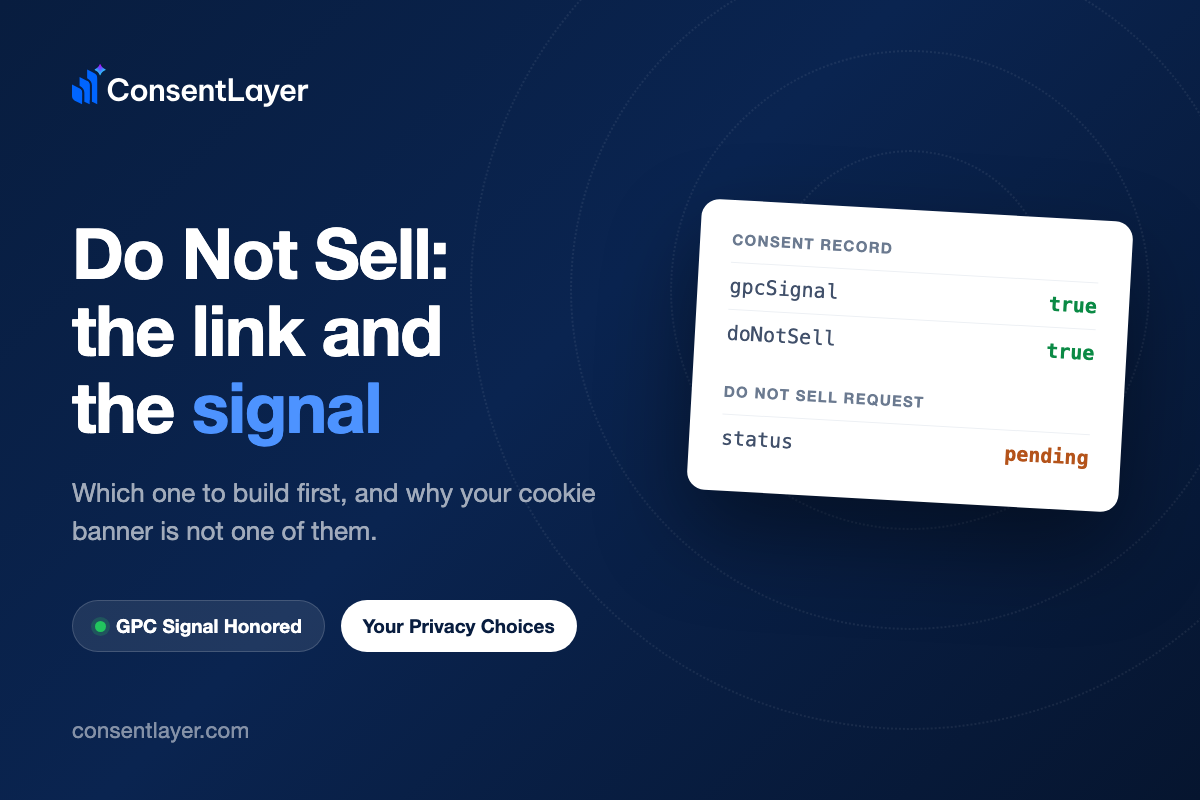
This evening I sent my own demo store an opt-out request, posting one optional email to the same endpoint its privacy page submits to. This is the row that showed up in the store’s inbox:
email:        [email protected]
requestedAt:  2026-08-13T19:41:22.471Z
status:       pending
source:       hosted_form
ipAnonymized: 82.78.233.0
userAgent:    curl/8.7.1
pendingCount: 1
Nobody has verified who I am, and the store’s opt-out page has a message saying that you don’t need to verify your identity or create an account to opt out, and the email field is marked optional. So the request now sits at pending, with a clock on it, waiting for a human at the store to do something.
The day before, I had visited the same store in Firefox with one browser setting turned on. That visit produced this record:
createdAt:  2026-08-12T09:32:55.932Z
gpcSignal:  true
doNotSell:  true
userAgent:  Mozilla/5.0 (Macintosh; Intel Mac OS X 10.15; rv:153.0) Gecko/20100101 Firefox/153.0
Same request, in substance. It arrived with no email attached, created no inbox entry and no deadline, and nobody at the store had to lift a finger. “Do Not Sell” is those two mechanisms, a link people click and a signal browsers send, and they cost you very different things once installed. Both live on your own site, and neither one is a filing: nothing in the CCPA asks you to send anything to California.
So which one do you build first? I assumed the link, because the link is what people search for and what the checklist names. Reading the actual text changed my mind.
What the regulation actually asks for
The clickable link is the part the statute spells out: section 1798.135(a)(1) requires a clear and conspicuous homepage link titled “Do Not Sell or Share My Personal Information”. That’s the part everyone is copying.
The signal comes from the regulations underneath, in section 7025(b), which says a business shall process any opt-out preference signal in a commonly used format. In practice that signal is Global Privacy Control: a Sec-GPC: 1 HTTP header, with a matching JavaScript property in the browser. And then section 7025(c)(1) says the signal must be treated as a valid opt-out request for that browser.
The rules, in section 7026(a)(1), say your business needs two or more designated methods for opt-out requests, and one of them has to be the browser signal, with no substitutions. The other one can be the link, or the alternative “Your Privacy Choices” link, or the privacy policy route. Those three are interchangeable, so you can choose whichever fits your site.
So the signal is the fixed method, and the link is the swappable one. That’s backwards from what I assumed when I started reading about it.
There’s even an exception running the same direction, so it’s not just me saying it. Section 1798.135(b)(1) says that if your business allows people to opt out through the signal, you’re not required to show the link at all.
Your cookie banner is not one of the two methods
The regulation rules out one method by name, and it is the one most sites already have, a cookie banner. Section 7026(a)(4), verbatim:
A notification or tool regarding cookies, such as a cookie banner or cookie controls, is not by itself an acceptable method for submitting requests to opt-out of sale/sharing because cookies concern the collection of personal information and not the sale or sharing of personal information.
If your plan was “we added a cookie banner last year, we’re covered”, the regulation answers that directly.
Do you sell or share anything, though? Most people’s instinct is no, because no money changes hands. But “sharing” is defined in section 1798.140(ah)(1) as making personal information available to a third party “for cross-context behavioral advertising, whether or not for monetary or other valuable consideration”. A Meta pixel or a Google Ads remarketing tag on a checkout page is the textbook case. If you run one, assume you are in scope until your lawyer tells you otherwise.
So honor the signal first
ConsentLayer honors it as one setting, and the easiest check is asking your own agent to do the work: with your site’s MCP server connected, ask whether the site honors GPC and whether the Do Not Sell surface is on, and it reads the configuration back. On my demo store that reads:
respectGpc:      true
enableDoNotSell: true
doNotSellLabel:  "Your Privacy Choices"
With respectGpc on, a visit from a browser sending the signal closes the marketing and statistics categories and writes gpcSignal true and doNotSell true onto the consent record. When it does, the visitor never saw a form and never had to find your footer.
Honoring the signal in the background is not the whole job. In California you are also expected to show some feedback to your visitors, and that means visible feedback on the page, like a status message or a toggle showing the opt-out, not just scripts that are silenced.
And ConsentLayer is showing that as a “GPC Signal Honored” notice right now, so your visitor should see that. When you turn the setting on, check what your visitors actually see, and don’t just check what gets blocked.
I did not expect to end up preferring the signal, but the asymmetry is hard to argue with. An opt-out that asks the visitor to find a link, read a page and submit something gets used by the small fraction of people willing to do all three. An opt-out their browser sends on every request works for anyone who set it once, on every site they visit afterwards.
Then post the link, because most browsers say nothing
The signal on its own is not a plan, because Chrome does not send it and has no setting for it. Firefox has the setting, and I had to switch it on before that Firefox record appeared. And Brave and DuckDuckGo’s browsers send it without being asked.
You can see the shape of it in my own store’s records. Every visit that arrived from Chrome came in with gpcSignal false, including one I checked this afternoon. So the signal reaches the people who turned it on, and the link is the only route left for the rest of your traffic, and that’s nearly all of it.
Installing it is an anchor in the footer. Two shapes, depending on where you want the request to land:
<a href="https://api.consentlayer.com/privacy-choices/cl_live_yourprojectkey">Your Privacy Choices</a>That one navigates to a hosted form on ConsentLayer. Or keep people on your own page:
<a href="https://api.consentlayer.com/privacy-choices/cl_live_yourprojectkey"
   class="consentlayer-do-not-sell">Your Privacy Choices</a>
The consentlayer-do-not-sell class is picked up by the banner script, which opens the opt-out surface in place instead of navigating. The URL in the href is what happens if the script has not loaded, and that’s the behavior that I want from a link with a legal job. There’s also an embed if you’d rather the form live on your own page. The hosted form and the request inbox are paid-plan features.
One warning about the label, which I got wrong on my own store. “Do Not Sell or Share My Personal Information” is the statutory title. “Your Privacy Choices” is the alternative link, and section 7015 attaches conditions to it: the page behind it has to cover both the right to opt out of sale or sharing and the right to limit the use of sensitive personal information, and the link needs the blue and white opt-out icon next to it. The snippet does not add the icon for you, so check what you actually put in your footer.
What lands in your inbox when someone clicks
Section 7026(f)(1): stop selling or sharing as soon as feasibly possible, and no later than 15 business days from receiving the request. Section 7026(f)(2): also notify the third parties you already handed the information to, and direct them to comply.
Section 7026(d) says you shall not require a verifiable consumer request for an opt-out, and section 1798.135(c)(1) says you shouldn’t make someone create an account for the opt-out. That is why the form only has an optional email field and nothing else, and that is why a request can arrive with almost nothing attached, as the one I recorded using curl did.
Someone in your company has to own that inbox. What ConsentLayer keeps is a list of requests that need to be responded to, with a count of how many have a pending response, and it can email the site owner when a new request arrives. That tracks the work rather than removing it.
The order
Turn on the setting that honors the signal today, because that is the part the regulation doesn’t let you swap out and it resolves without a human. Then add the link, with the label whose conditions you can actually meet, and decide who reads the inbox before you ship it.
If you only ever do the first, you have covered a minority of visitors with zero ongoing effort, and if you only ever do the second, you have built a form most visitors will never find, with a 15-business-day deadline attached every time someone does. That’s why it’s important to do both.
Notes
- Whether the CCPA reaches your company depends on the thresholds in section 1798.140(d): annual gross revenues over $25 million, or buying, selling or sharing the personal information of 100,000 or more consumers or households, or deriving 50% or more of annual revenue from selling or sharing personal information.
- How the signal behaves state by state: our Global Privacy Control article.
ConsentLayer is a tool, not a law firm, and this article is not legal advice. The statutes and regulations quoted here change, and how they apply depends on facts about your business that only a qualified attorney should judge. Consult one about your situation.