
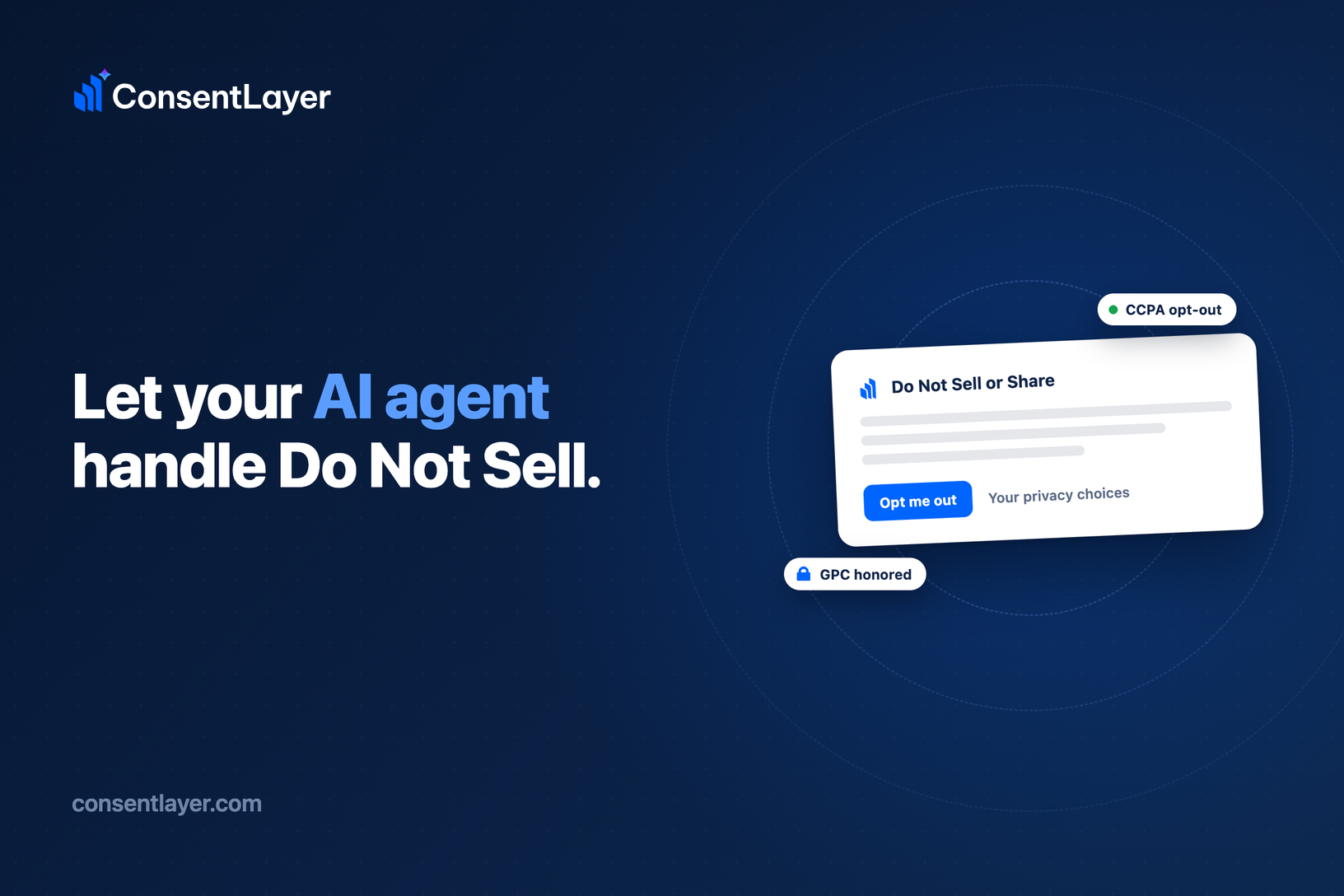
If you sell to anyone in California, you owe them a real way to opt out of the sale or sharing of their personal information. That means a conspicuous “Do Not Sell or Share” link, at least one interactive way for someone to actually submit the request, and a person on your end who honors it within 15 business days.
For most small businesses, that last part is where things quietly fall apart. The link goes up, a request eventually lands in an inbox, and then it sits, because nobody owns the follow-through. A cookie banner does not cover you here either. Cookie consent and a Do Not Sell opt-out are separate obligations, and the opt-out has to speak to the sale and sharing of personal information directly. So the usual fix is to bolt on yet another tool and one more dashboard you are supposed to remember to check.
ConsentLayer now handles this obligation from the place you already work. You connect ConsentLayer’s MCP to your AI agent once, and from then on both the setup and the ongoing management happen through a prompt. There is no ConsentLayer dashboard to log into to run any of this.
Turn the opt-out on with a single prompt
Standing up a compliant Do Not Sell surface normally means reading a spec, writing copy, wiring up notifications, and finding somewhere to put the request form. You can now hand all of that to your agent in one line:
> “Add a Do Not Sell link to consentlayer.com and email me when requests come in.”
Behind that sentence, your agent calls `configure_do_not_sell`. It enables the opt-out surface, sets the link label (the default is “Do Not Sell or Share My Personal Information,” or you can use the CPRA alternative “Your Privacy Choices”), writes the request-form text, switches on email notifications for new requests, sets your retention window, and regenerates the banner in the same step.
Then it hands you the code to install. `get_do_not_sell_link` returns a copy-paste footer link, and `get_do_not_sell_embed` returns a small div and script snippet that drops the request form onto any page of your site. You paste it in and the opt-out is live. The footer link and the banner opt-out surface are available on every plan; the hosted request form is on paid plans.
Clear your request queue without leaving the terminal
Once the link is up, requests will come in, and each one starts a clock. You have 15 business days to honor it. The failure mode is usually simple: a request ages out because it was never surfaced to the right person at the right time.
Now you just ask:
> “Any new Do Not Sell requests this week?”
Your agent calls `list_do_not_sell_requests` and returns the pending queue along with a `pendingCount`, framed against the 15-business-day deadline, so you can see what is due and what is getting close. When you have actually honored those opt-outs inside your own systems, you close the loop the same way:
> “I’ve honored these in our systems, mark them processed.”
The agent calls `process_do_not_sell_request` for each one, flips it to processed, and stamps the time it was handled so your records stay straight. ConsentLayer surfaces what is due and keeps the ledger accurate. Applying each opt-out inside your own systems stays yours to confirm. When a request arrives you also get an email and an in-app notification, on by default, and you can turn the email off if you would rather just ask your agent. The request inbox is available on paid plans.
The compliance details you would otherwise have to track by hand
A lot of what makes Do Not Sell tedious is the small, easy-to-miss rules around it. ConsentLayer applies these for you once the feature is on.
The deadline stays visible
Every request carries its CCPA clock, and both the pending count and the inbox are framed against the 15-business-day window, so nothing quietly ages out on you. Meeting the deadline is still your action to take; ConsentLayer’s job is to make sure it never happens out of sight.
Global Privacy Control is honored automatically
A GPC signal is a mandatory opt-out signal that you do not have to find and switch on yourself. When a visitor’s browser sends it, ConsentLayer applies it as an opt-out for that browser and shows the visitor it was honored. It does not add anything to your request queue, so honoring GPC never creates busywork.
No identity check, no account to submit
The law does not let you make someone verify their identity or create an account just to opt out, so the request form asks for neither. That is the correct default here.
Retention you control, with a safe floor
You can set processed requests to auto-delete after 24, 36, 48, or 60 months, with 24 months being the CCPA record-retention minimum. By default they are kept indefinitely, and only processed requests are ever auto-deleted.
Get started
Do Not Sell is the clearest example of what “make any website compliant with one prompt” is meant to be. It is an ongoing obligation, and it now runs from the same place you already spend your day, your agent, instead of one more dashboard to babysit.
Connect ConsentLayer’s MCP to your agent and say “add Do Not Sell to my site” to turn it on. If there is a compliance chore you would like your agent to take off your plate next, tell us at consentlayer.com.
Best,
Mircea Sandu
Co-Founder of ConsentLayer